A great gift, when you want to give someone a truly special experience on a special day.
A ticket that delights people of all ages, even those who are not familiar with Harry Potter.
If you are searching for a thoughtful gift that brings a smile to someone you care about, this is the one.
*Visit date selection is subject to ticket availability.
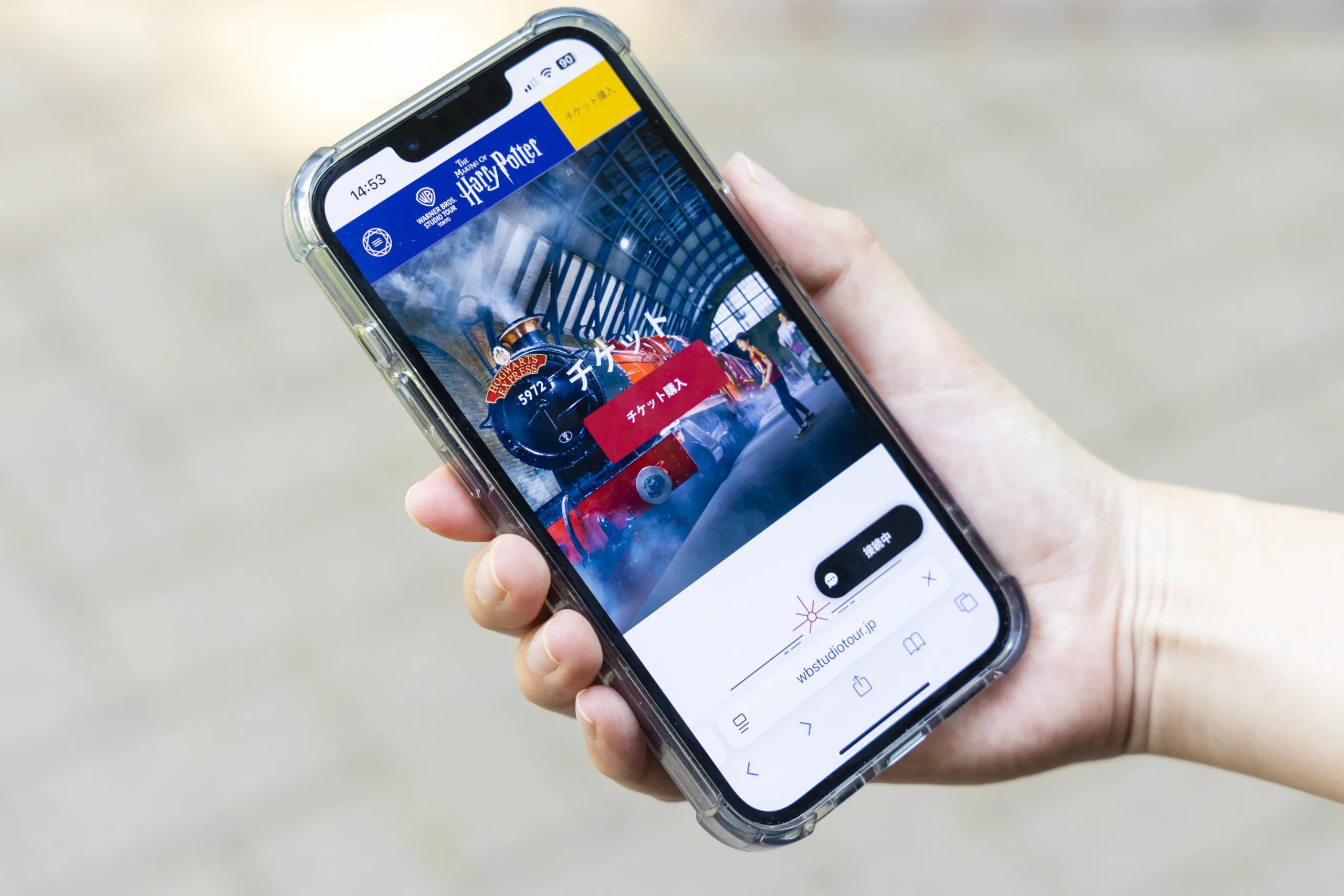
Choose from Adult, Junior or Child gift tickets.
Once you have selected your tickets, please enter your details to complete the purchase.
Finally, review your order and ensure all details are correct. An order confirmation email will be sent to the email address supplied.
To use the gift ticket, the recipient must select a visit date in advance.
Please make sure to share the following information with the person you’re gifting the ticket to:
*The visit date must be selected within 12 months from the purchase date and is subject to availability.
BEFORE USING YOUR TICKETS: Studio Tour Tokyo Gift Tickets are undated and the recipient will need to redeem within 12 months from date of purchase. All bookings are subject to availability and we’d recommend booking well in advance to avoid disappointment.
Access the URL provided by the gift giver to open the gift ticket lookup page.
To search for your ticket, please enter the following information:
Choose the applicable ticket and click “Activate Ticket”. Then, select your preferred date and time from the calendar.
*If you wish to purchase additional tickets, you can purchase it via our official webstore. (Additional charges apply.)
Once you have selected your visit date, please enter your details to complete the booking.
Finally, review your order and ensure all details are correct. A Order Confirmation Email and your E-ticket will be sent to the email address supplied.
Yes, you can alter the date of your ticket(s) for a 1,500 yen administration fee. To do this, please contact our Visitor Services team with your booking reference number. Please note that all date changes are subject to availability and must be made before the date of your visit.
All gift tickets are valid for 12 months from the date of purchase. Please make sure to complete the visit date selection process before the ticket’s expiration date.
Gift tickets cannot be reissued, refunded, or extended after the expiration date.
No, it is not possible to purchase additional tickets when redeeming your gift ticket(s) online. You can purchase additional tickets online.
Gift tickets are only valid for standard admission. They cannot be upgraded or exchanged for other ticket types, such as guided tours.
For every disabled visitor with a valid ticket purchased, a free carer ticket will be provided. Please note, as children aged under 4 are entitled to free entry, a free carer ticket cannot be added in this instance.
Carers tickets can only be collected from the ticket windows when you arrive. You must provide assistance to the visitors and we currently accept the following proof of entitlement:
If you have any questions regarding proof of entitlement, please visit the Accessibility page or contact Visitor Service team before your visit.
There is no need to print your order confirmation email if you would prefer to use your smart phone to show this to us. Please note that if you are travelling by car, you will need your car parking voucher to enter the car park.
For information on our ticket prices, please visit our Tickets page.
Tickets can be purchased with a credit or debit card.
For ticket purchases on our official website, we accept the following payment options: Amex, Mastercard, Visa, JCB, Union Pay, Discover, Diners, Apple Pay and Google Pay.
Please contact our Visitor Services team using the online contact form or online chat.
Please contact our Visitor Services team using the online contact form or online chat.